Python Environments Explained: Console vs. IDE vs. Notebooks (video)
Intro Python Environments with Anaconda Creator: Francisco Iacobelli · Length: about 12 minutes
Downloads and installs Anaconda, then sets up an environment for Python and data science — and explains the three different ways you'll actually write Python in this course.
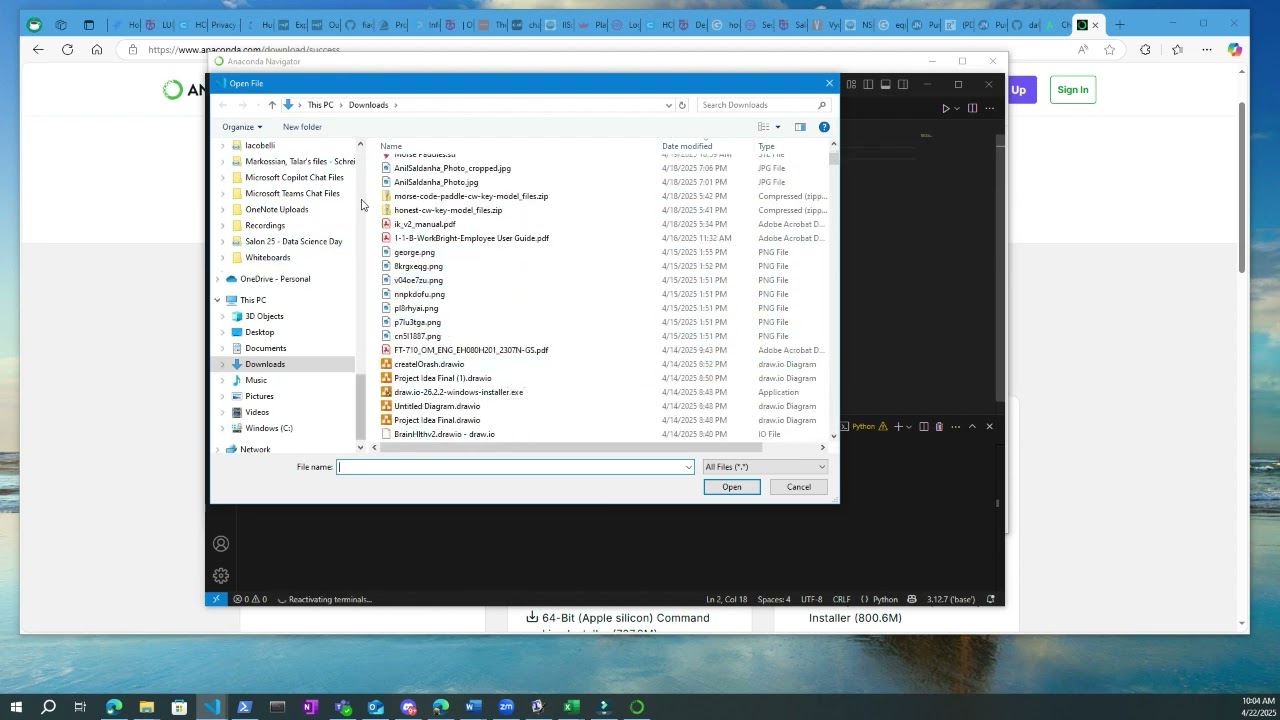
Three Ways to Write Python: Console, IDE, Notebooks
- Console — run one statement at a time and see results immediately; close it and that work is gone
- IDE (e.g. VS Code, Spyder) — save a full
.pyfile, but re-run the whole file each time - Notebooks (e.g. Jupyter) — code in cells; re-run just the cell that changed — valuable when reloading data is expensive
This course uses all three — the console to experiment, VS Code as the IDE, and Jupyter notebooks for exploratory work.