Anaconda & Python Setup on macOS (video)
Getting Started with Anaconda and Python on a Mac Creator: Susan B. — codewithsusan · Length: about 11 minutes
Covers installing Anaconda on macOS, then using both Navigator and the conda command line. A good companion to Installing Anaconda Navigator if you'd rather watch the install than read it — it also previews the hands-on steps in Creating & Exporting a Conda Environment.
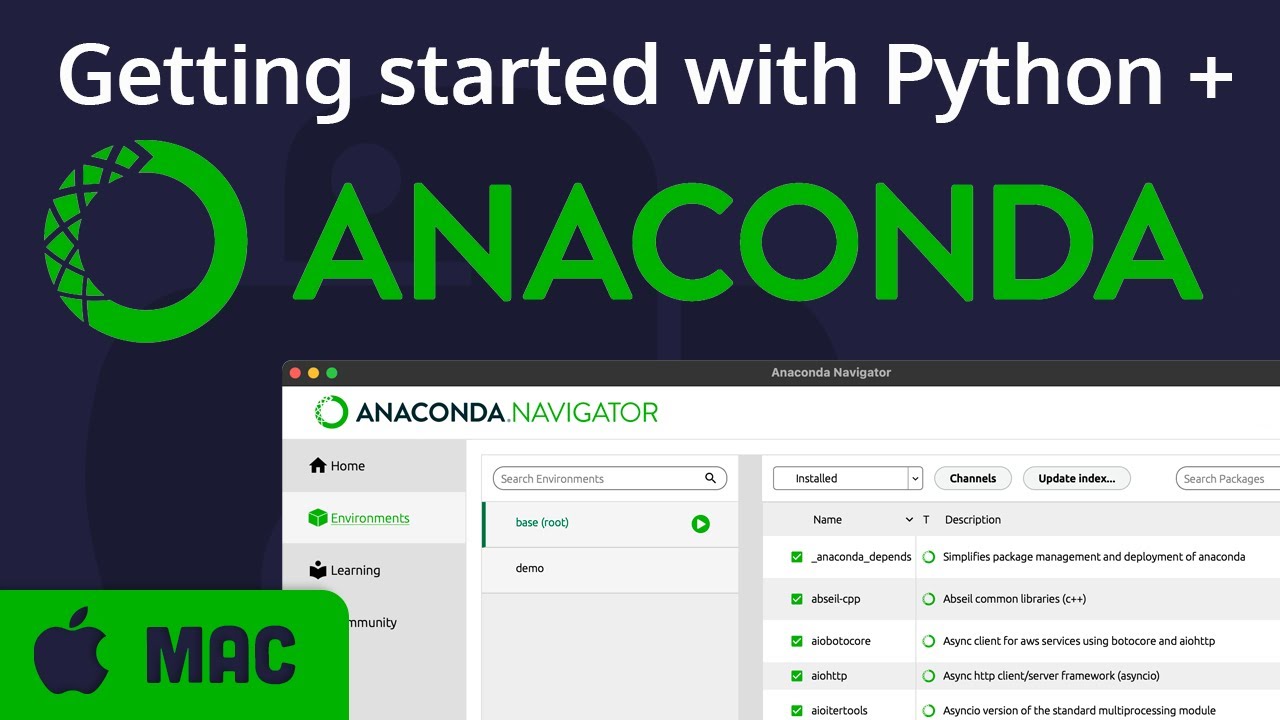
Setup: Install, Navigator, Environments
- 0:18 — Download and install Anaconda
- 1:16 — Tour of Anaconda Navigator
- 2:00 — Environments — what they are and why to use them
Command Line: conda & Environments
- 4:03 — Using the conda command line tool
- 4:44 — Create an environment:
conda create --name demo - 5:15 — Install Python into it:
conda install python - 5:57 — Prove isolation with
which pythonbefore/afterconda deactivate
Writing & Running Python Scripts
- 6:53 — Write
demo.pyand run it:python demo.py - 7:50 — Worked example: a weather-scraping script needs
requestsandbeautifulsoup4→ installed withconda install requests beautifulsoup4 - 9:57 — Finding more packages to install