Adding TAs to Canvas
Instructor Tools » Manage Users » Add Users
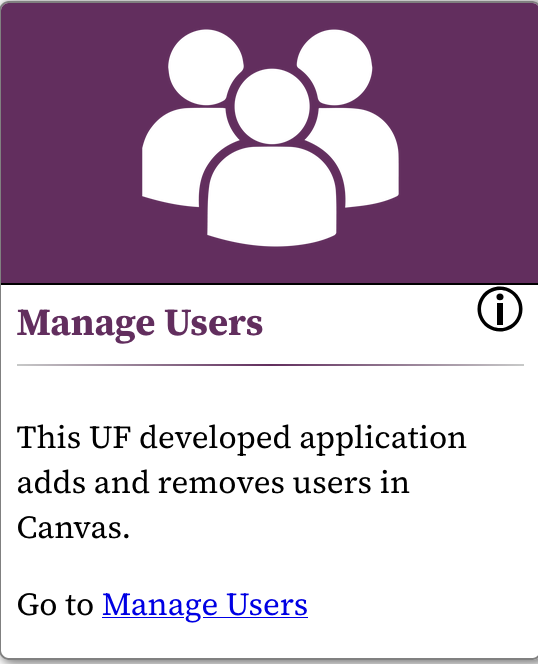
- In the navigation bar on the left side of your course, click on "Instructor Tools"
- Go to the "Manage Users" tools
- Select "Add Users"
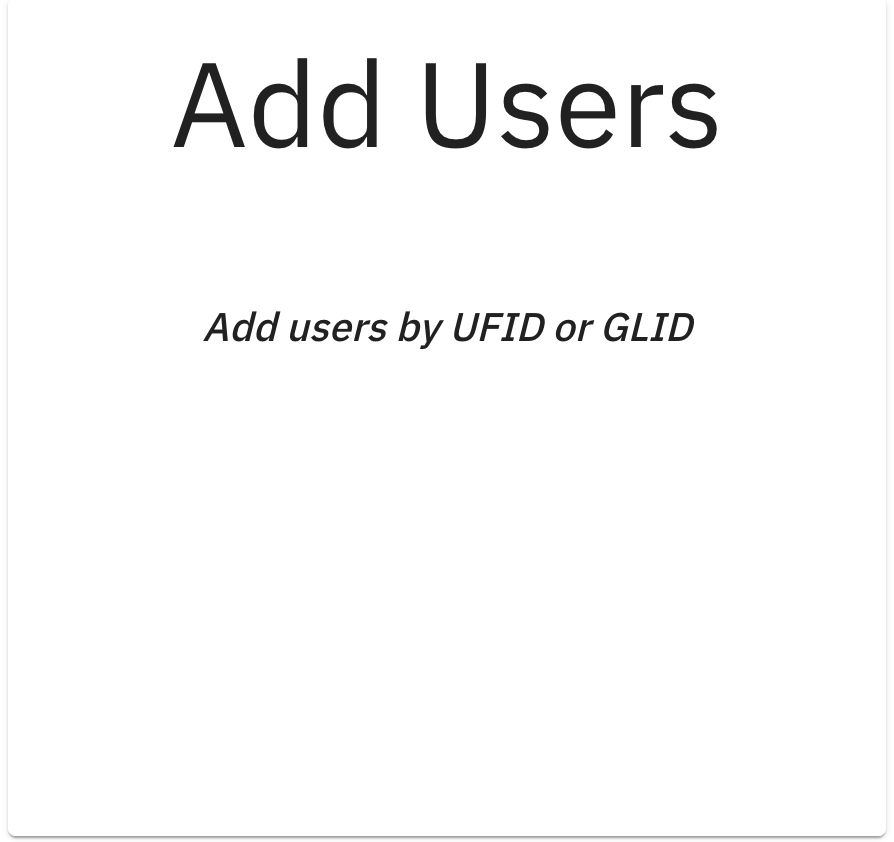
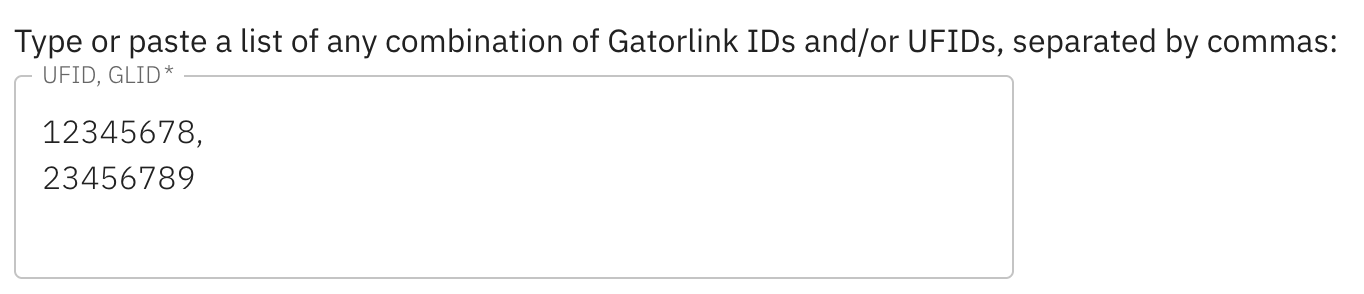
- Enter the UFID for everyone that you want to add as a TA to the course
- Under the section drop-down, select the section you would like to add the TAs to
- Under the role drop-down, select TA
- Select an option for the "Limit privileges to a Section?" drop-down.
- Select next.