Setting Up a Jupyter Notebook in VS Code
1. Create a Notebook File
code.visualstudio.com/docs/datascience/jupyter-notebooks
- Command Palette → "Create: New Jupyter Notebook"
- Or just create a new
.ipynbfile directly in your workspace
2. Select a Kernel
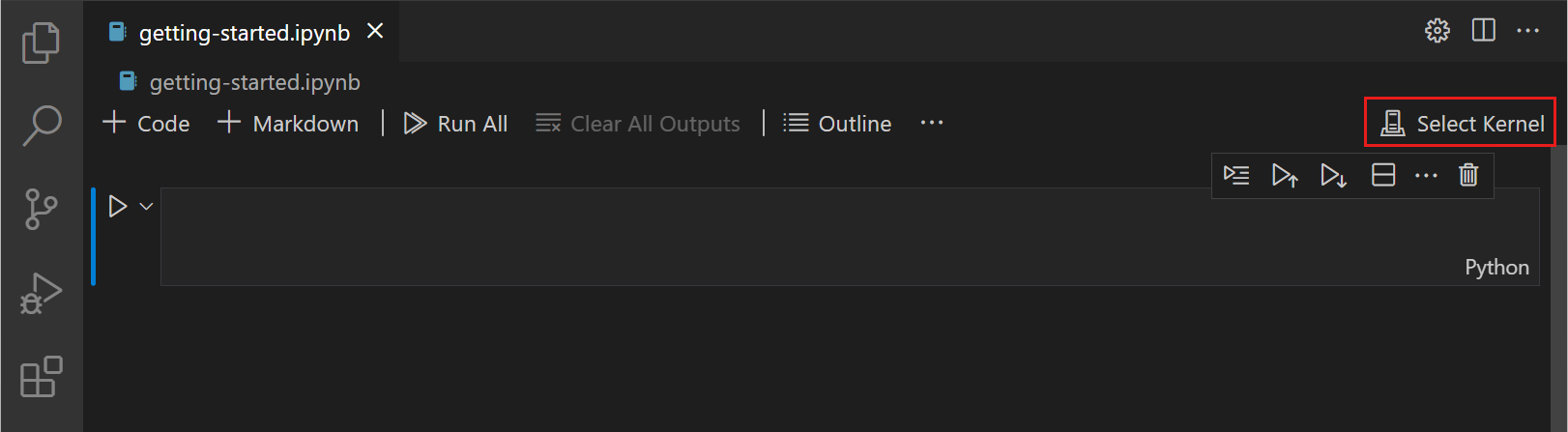
- Click Select Kernel in the top-right corner of the notebook
- Choose Python Environments → your
ds-courseconda environment - The kernel is what actually executes your code
3. Add Cells
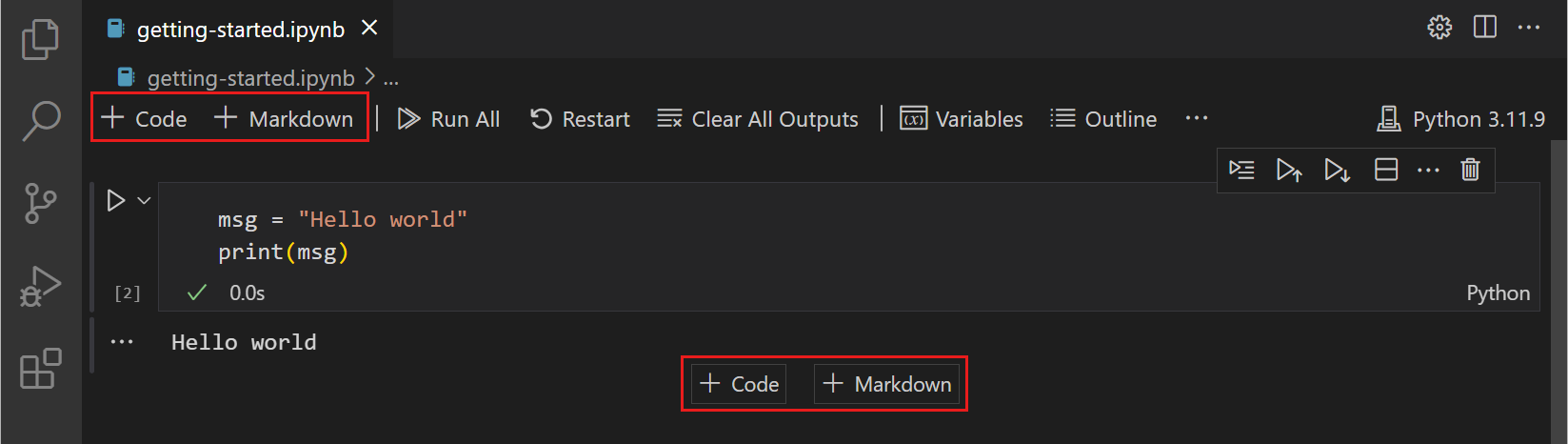
- Use the + Code button in the toolbar to add a code cell
- Use + Markdown to add a text/documentation cell
- Reorder cells by dragging, or with the up/down arrows in the cell toolbar