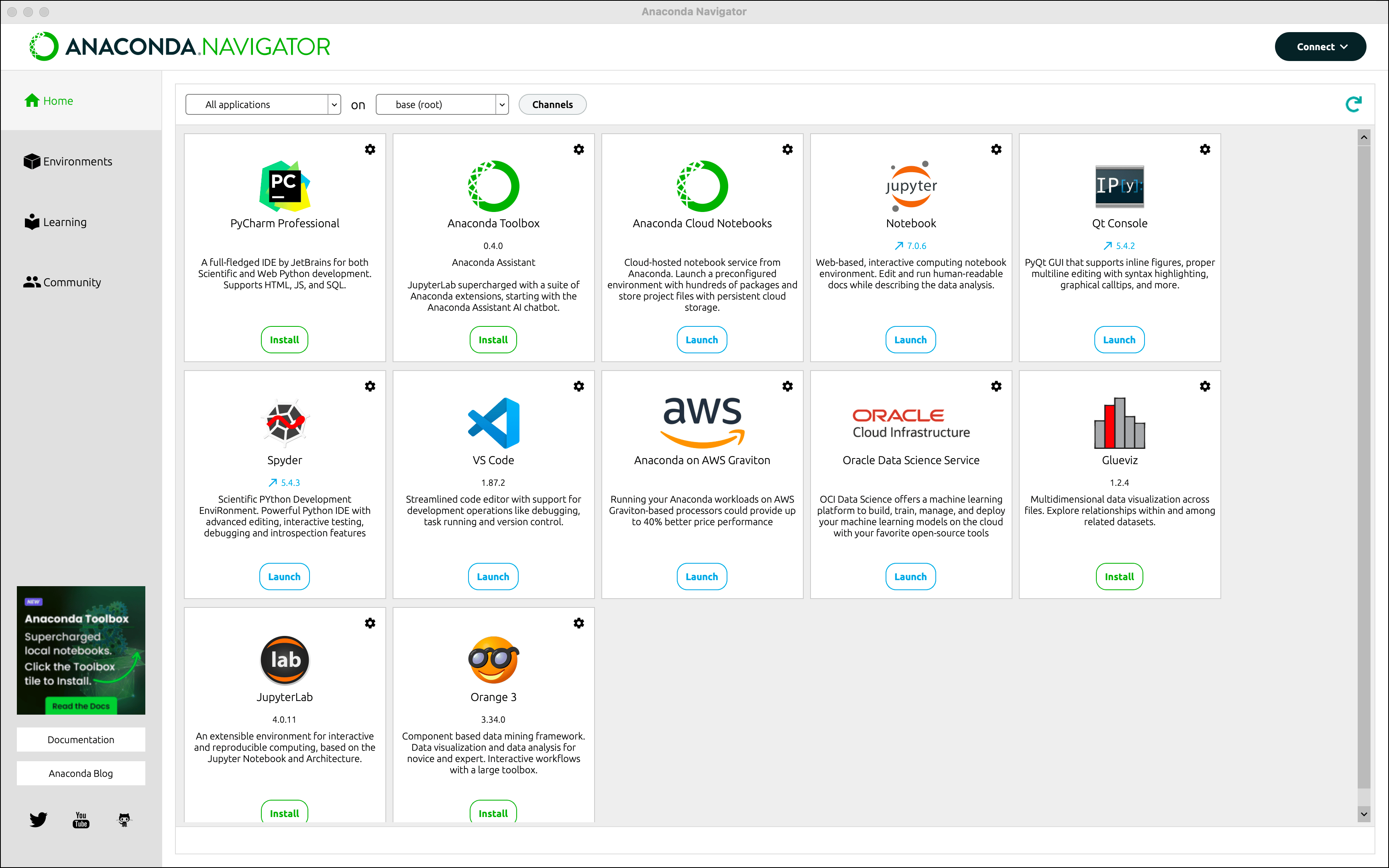
Installing Anaconda Navigator
Python, Jupyter, and package management in one installer.
1. Go to the Download Page
- Open a browser and navigate to anaconda.com/download
- This is the official page for Anaconda Distribution, the recommended install for this course
2. Choose Your Operating System
Under Step 1: Select operating system on the download page:
- Windows — for Windows 10 or later
- macOS — for macOS 10.12 or later
- Linux — for most Linux distributions
3. Download the Installer
- Choose the graphical installer — marked as Anaconda's recommended path for beginners
- The download is a single
.exe(Windows),.pkg(macOS), or.sh(Linux) file - File size is roughly 500 MB–1 GB — allow a few minutes
4. Run the Installer
- Double-click the downloaded installer file
- Click through the setup wizard:
Next → I Agree → Install for me only → Install → Finish
5. Launch Anaconda Navigator
- Open Anaconda Navigator from the Start Menu (Windows) or Applications (macOS)
- Navigator gives you a graphical way to launch Jupyter, manage packages, and manage environments